If you've asked three agencies what a mobile app costs in India, you've probably got three wildly different answers. One says a few lakhs. Another says several times that. A freelancer says they can do it in a month. All of them are talking about "an app."
The gap isn't always about who's honest. It's about what's inside the quote. This post breaks down what actually drives the cost of a mobile app in 2026, what cheap quotes tend to leave out, and how to budget for the whole journey, not just the build.
We don't publish fixed price lists, because every app we scope is priced against a written scope of work. What we can do is show you exactly what moves the number up or down, so you can judge any quote you receive.
Why Mobile App Quotes Vary So Much
"A mobile app" can mean very different things. At one end, it's a handful of screens that display information. At the other, it's a platform with user accounts, payments, real-time features, an admin system, and integrations with other services.
Most of what makes an app expensive is invisible on the phone screen. Behind every app that handles real users sits a backend (the server, database, and logic) and usually an admin panel (how your team manages everything). Quotes that look cheap often price only the part you can see.
What a Real Mobile App Build Includes
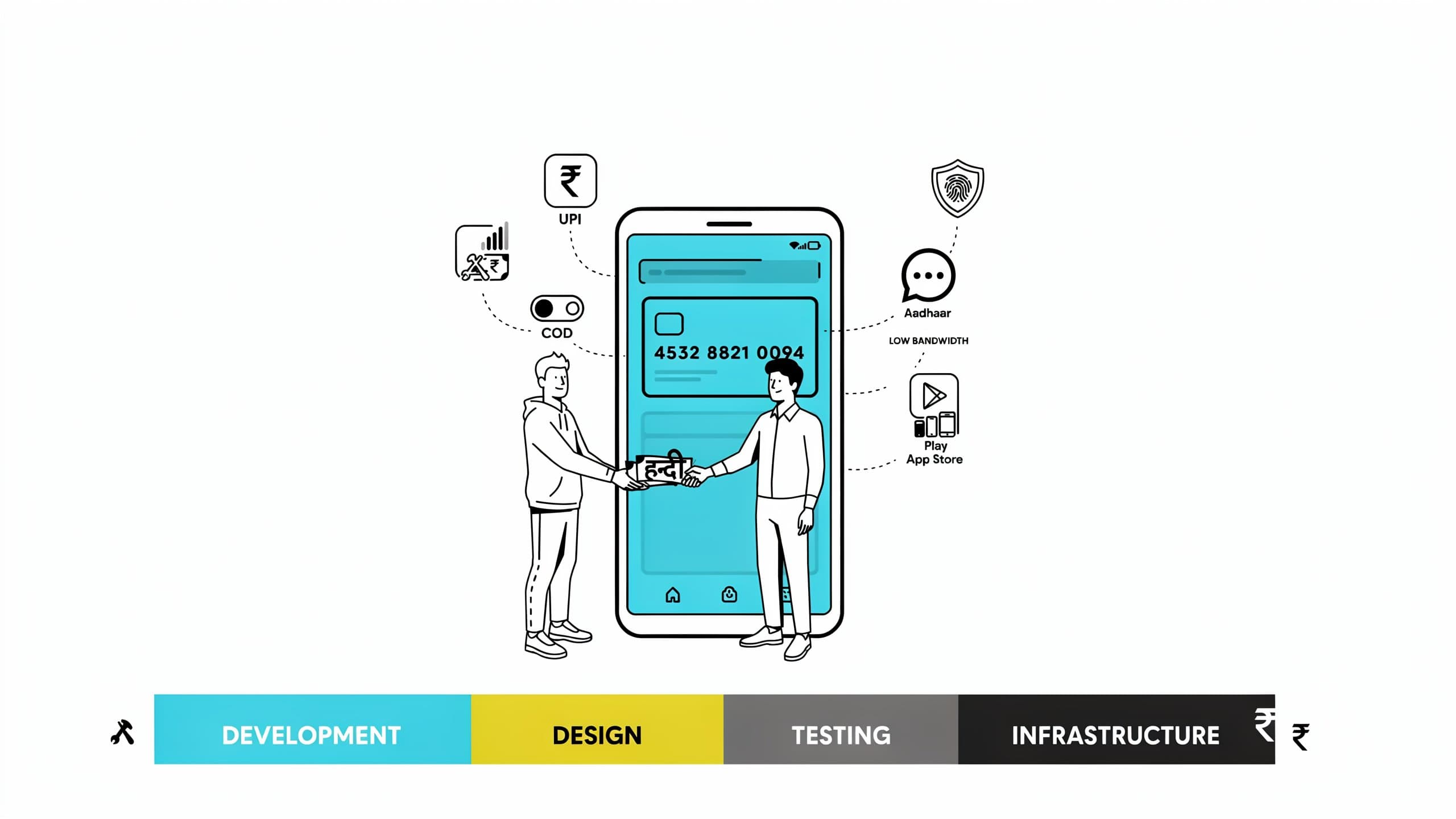
Before comparing quotes, check that each one covers the full picture:
- Discovery and design: user flows, wireframes, and UI design for every screen and state
- The mobile app itself: iOS and Android, built and tested on real devices
- Backend and database: APIs, authentication, business logic, and data storage
- Admin panel: a web dashboard to manage users, content, orders, and support
- Integrations: payments, SMS and OTP, push notifications, maps, email
- Testing and QA: functional testing, device testing, and bug fixing before launch
- Store launch: app store listings, review submissions, and production deployment
If a quote doesn't mention the backend, the admin panel, or QA, ask why. Those are almost always the "extras" that arrive as additional charges later.
The 7 Things That Drive Mobile App Cost
1. Platform Approach
Building two separate native apps (Swift for iOS, Kotlin for Android) means two codebases, two teams, and roughly double the effort. Cross-platform frameworks like React Native and Flutter let one team ship to both stores from a single codebase. For most MVPs and business apps, cross-platform is the right call. Fully native is worth it only when you need heavy graphics, deep hardware access, or platform-specific performance.
2. Backend and Data Complexity
An app that just shows static content is simple. An app that stores user data, handles accounts, processes orders, and syncs across devices needs a real backend. The more data relationships and business rules your app has, the more the backend costs, and this is usually the largest single block of work.
3. Number of User Roles
One type of user is one product. Two types, such as customers and vendors, or students and tutors, or buyers and sellers, is closer to two products sharing one backend. Every additional role needs its own screens, permissions, notifications, and onboarding.
4. The Admin Panel
Founders often forget this one because it's not part of the app users see. But without an admin panel, you can't moderate content, manage orders, resolve support issues, or see what's happening in your own product. A proper admin panel is a real piece of the build, not a footnote.
5. Third-Party Integrations
Payments, maps, chat, video, SMS, analytics, and CRMs each take integration, testing, and edge-case handling. Payment flows in particular need care: failed payments, refunds, and retries all have to work correctly before you take real money.
6. Design Depth
A clean, standard interface costs less than custom animations, bespoke illustrations, and a fully branded design system. Good design is not optional, but depth is a dial. Early on, a polished and consistent interface beats a heavily customized one.
7. Advanced Features
Real-time chat, live tracking, offline mode, video, and AI features all add meaningful complexity. Each one is a project inside the project. If you're considering an AI feature, we've broken down what it actually costs to add AI to your app separately.
Three Scope Levels, and What They Look Like
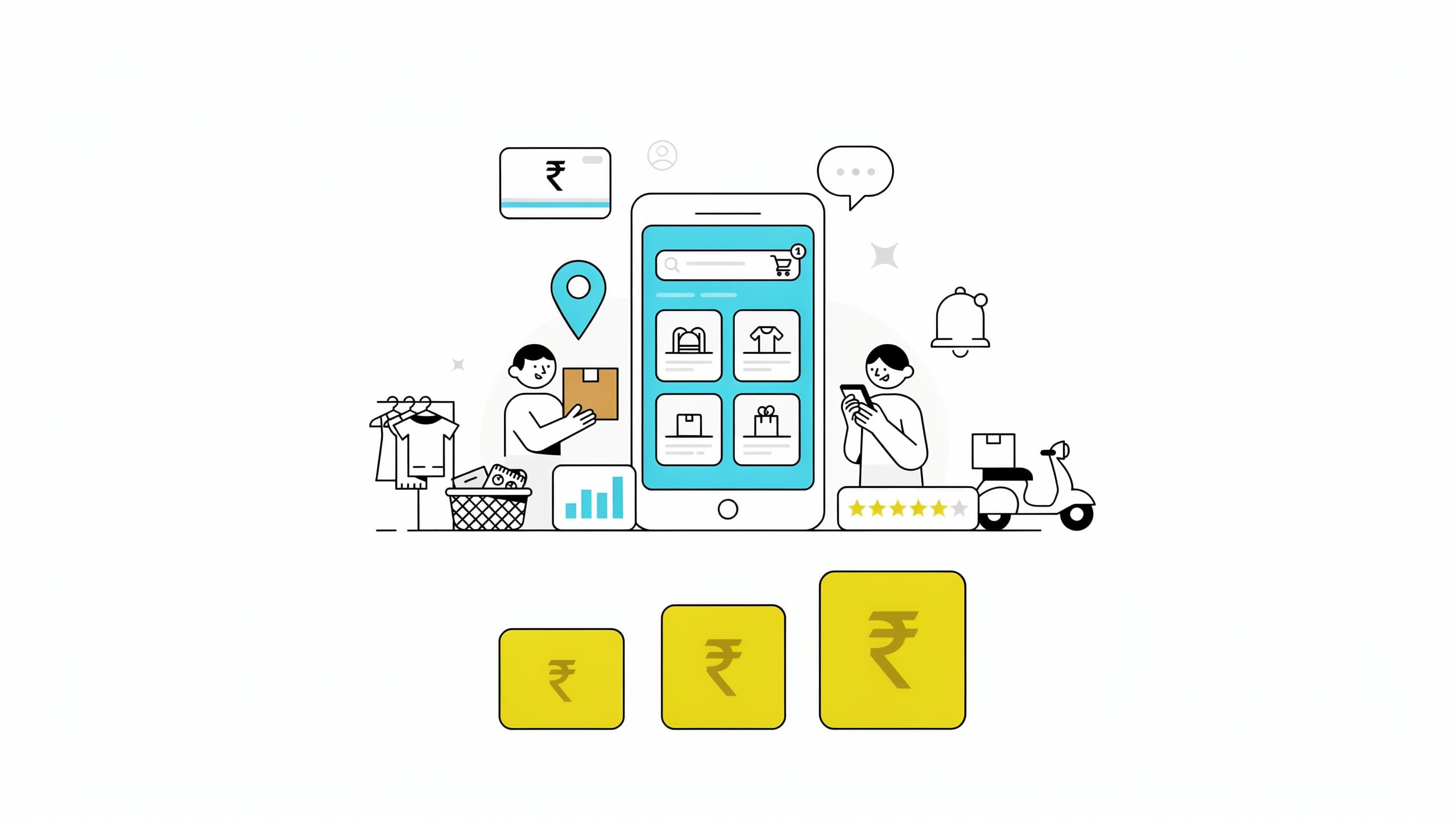
Rather than quote numbers that will never match your exact scope, here's how we think about complexity. Your scope of work places you in one of these, and that determines the price.
Focused App
Typical timeline: 6–10 weeks
One core flow, one type of user, a light backend, and a small number of integrations. Think a booking tool, a catalog app, a simple loyalty or utility app. The goal is to put one thing in front of real users quickly.
Standard App
Typical timeline: 10–16 weeks
User accounts, a proper backend, payments, push notifications, and an admin panel. This is where most business and e-commerce apps land. It's a complete product, with enough scope to run a real operation.
Complex App
Typical timeline: 16–26 weeks
Multiple user roles, real-time features, several integrations, advanced workflows, or AI. Marketplaces, on-demand platforms, and communication apps often sit here. If you're building one, our breakdown of what a marketplace app costs goes deeper on the two-sided case.
The Costs People Forget
The build is not the whole budget. Plan for these from day one:
- App store fees: Apple's developer program is $99 per year and Google Play is a one-time $25 fee
- Hosting and infrastructure: servers, databases, file storage, and monitoring, usually scaling with your user count
- Usage-based services: SMS and OTP, push notifications, maps, email, and payment gateway fees
- Maintenance: bug fixes, OS updates (iOS and Android both change every year), and security patches
- Iteration: the improvements real users will ask for within the first six months
- Growth: getting users to download the app costs money too, often more than the build itself
The apps that succeed are rarely the ones that spent the least on the build. They're the ones that budgeted for the whole journey.
Where Founders Overspend
Three patterns we see again and again:
- Building everything for version one. Every extra feature adds cost and delays the moment you learn what users actually want.
- Going fully native too early. Two native apps cost far more than one cross-platform app, with little user-facing benefit at MVP stage.
- Skipping the scoping work. Vague scope creates mid-project changes, and changes are the most expensive way to discover what you needed. Our guide to scoping an MVP with 7 questions is the fastest way to avoid it.
How to Get an Honest Quote
When you're comparing agencies and freelancers, ask these questions:
- "Does this include the backend, admin panel, and QA?" Get the answer in writing.
- "Is this cross-platform or native, and why?" The reason matters more than the answer.
- "Who exactly will work on my app?" Senior engineers, or juniors with a project manager on top?
- "What happens when scope changes?" Every project has changes. Know the process before you sign.
- "What does support look like after launch, and what does it cost?" This is almost never discussed upfront.
- "Can I speak to a client whose app you've shipped?" Hesitation is an answer.
What We Recommend
Start by defining the one thing your app must do exceptionally well, then build only that, on a cross-platform stack, with a proper backend and admin panel behind it. Launch, watch how real people use it, and let that data decide what gets built next. That path is almost always cheaper, faster, and less risky than a feature-heavy first version.
At IXT Minds, we build mobile apps with React Native and stay on after launch, because shipping is the start of the work, not the end. Every project begins with a written scope, so you know exactly what you're paying for and what's included before development starts.
If you're planning an app and want a straight answer on what it needs and what it will take, see how we build mobile apps or talk to us. We'll tell you which scope level your idea falls into, even if that means starting smaller than you planned.