Most people think of a website as something you build once and then leave. It goes live, the launch is celebrated, and the project is considered done.
But a website is closer to a shop than a brochure. The doors need to open every day, the lights need to work, the locks need to hold, and someone needs to notice when something breaks. That ongoing care is website maintenance, and it is one of the most overlooked parts of owning a site.
Quick summary: This guide explains what maintenance includes, whether you actually need a paid plan, what a good handover looks like, what to expect from a provider, and the questions to ask before you sign. It is written for business owners, not developers.
TL;DR
- Maintenance keeps your existing site secure, fast, backed up, and working. It is not the same as building new features or running marketing.
- Simple, stable sites may not need a paid plan. Sites that bring in leads, bookings, or payments usually do.
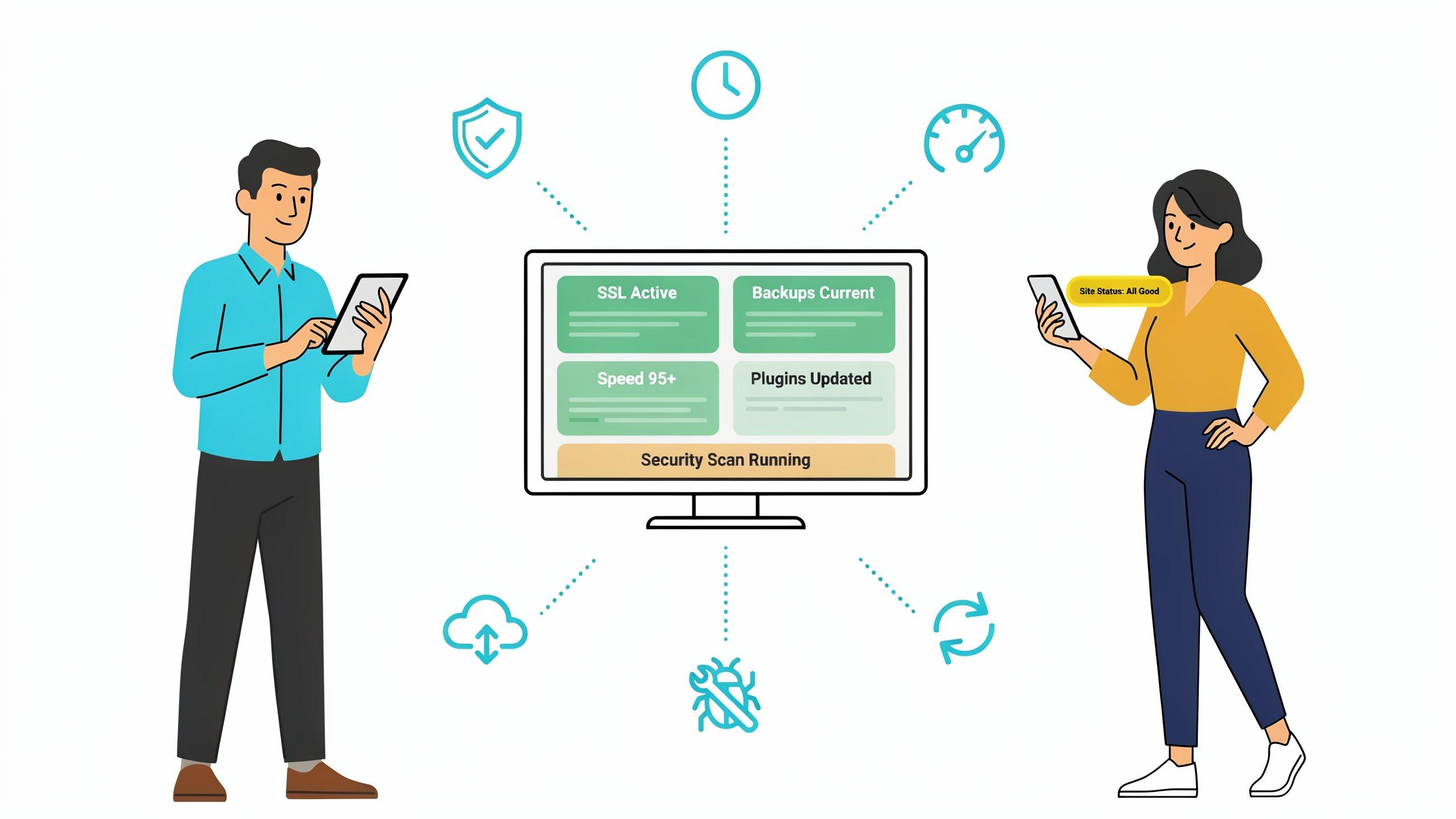
- A good plan covers updates, backups, security, uptime monitoring, performance, bug fixes, and a regular report.
- You should own your hosting, domain, accounts, and documentation, whoever maintains the site.
- Get the scope, response times, and exit terms in writing before you sign.
What Website Maintenance Actually Is
Website maintenance is the routine work that keeps your site secure, fast, available, and working as intended. It is preventive (stopping problems before they appear) and reactive (fixing problems quickly when they do).
It is not the same as building new features, redesigning the site, or running marketing. Those are growth projects. Maintenance is what keeps the foundation healthy while you do them.
Why Websites Need Ongoing Care
- Software changes. The platform, plugins, and libraries your site depends on receive updates, and many updates fix security problems.
- Security threats don't stop. Automated attacks look for outdated or poorly protected sites, whatever their size.
- Browsers and devices evolve. A site that looked fine last year can behave oddly on a newer phone or browser.
- Servers and hosting need watching. Disks fill up, certificates expire, and domains lapse if no one is paying attention.
- Content goes stale. Outdated information, broken links, and old offers quietly cost you trust and leads.
- Performance drifts. New images, scripts, and plugins can slow a site down over time.
What the data says
Three published sources show how these problems appear in practice:
- Security. Patchstack's State of WordPress Security in 2026 report found that 91% of the new vulnerabilities disclosed in 2025 were in plugins and 9% in themes. The report also says highly exploitable vulnerabilities rose 113% year over year. This is why plugin updates matter so much on WordPress.
- Performance. Google's Core Web Vitals guidance sets targets for a good experience: the main content should load within 2.5 seconds, the page should respond to interaction within 200 milliseconds, and layout shifts should stay at 0.1 or below. Sites that gain scripts, images, and plugins over time often drift past these numbers.
- Accessibility. The WebAIM Million 2026 report, which analyzes the home pages of the top one million websites, found detectable WCAG 2 failures on 95.9% of them, with low-contrast text on 83.9%. Even well-resourced sites slip when no one checks.
Do You Actually Need a Maintenance Plan?
Not every site does. The honest answer depends on what the site does for your business and who can look after it.
Signs you probably don't need a paid plan
- Your site is a small, stable brochure site that rarely changes
- It runs on a website builder that handles hosting and core updates for you
- Someone on your team can update content and check that forms still work
- A day of downtime would be an inconvenience, not a loss
Signs a plan will pay for itself
- The site takes bookings, payments, or sends you a meaningful share of your leads
- It runs on WordPress with many plugins, or on custom code that few people understand
- It handles customer data, logins, or anything you are responsible for protecting
- No one on your team is technical, or the one person who is has other priorities
- You have had a site hacked, broken by an update, or taken offline before
- You are about to run campaigns or grow traffic and cannot afford surprises
Even if you decide against a full plan, do the essentials yourself. The checklist near the end of this guide shows what to do this week.
What a Good Maintenance Plan Includes
Plans differ, but a solid one usually covers the following. Use this as a checklist when you compare providers.
1. Updates
Regular updates to your platform, themes, plugins, and underlying software, tested before they go live so they do not break the site.
2. Backups
Automatic backups stored away from the main server, plus a tested way to restore them. A backup that has never been restored is only a hope.
3. Security
Monitoring for threats, malware scanning, firewall and access controls, strong login protection, and a clear plan for what happens if something goes wrong.
4. Uptime Monitoring
Automatic checks that alert the team if your site goes down, so problems are caught in minutes instead of when a customer complains.
5. Performance Checks
Regular reviews of page speed and image sizes, so the site stays quick on mobile. Slow pages lose visitors before they ever see your offer.
6. Bug Fixes
Fixing things that stop working, such as forms that do not send, broken links, layout issues, or checkout errors.
7. Hosting and Renewals
Managing your hosting environment and keeping track of domain, SSL certificate, and other renewals, so nothing lapses by accident.
8. Small Content Changes
Many plans include a set number of hours or changes each month, such as updating text, swapping images, or adding a page. Know exactly how much is included.
9. Reporting
A short, readable summary of what was done, what was found, and what needs attention, often including traffic, uptime, and speed. You should never have to guess whether the work is happening.
What Maintenance Usually Does Not Include
This is where misunderstandings begin, so ask about it directly. These are typically separate:
- New features or major functionality
- Redesigns or large content rewrites
- Marketing, SEO campaigns, and advertising
- Fixing damage caused by someone else changing the site without telling the maintenance team
- Recovering a long-neglected, heavily outdated site, which may need a one-time cleanup first
A good provider will explain what happens when you need something outside the plan and how it is quoted.
Not sure where your site stands? We'll look at your site and tell you what needs attention first, even if the answer is "not much." Ask for a quick review.
What a Good Handover Looks Like
Whoever builds or maintains your site, you should walk away owning what matters. A complete handover includes:
- Documentation. A plain-language guide to how your site is structured, how to edit content, and how forms and integrations work.
- Credentials in your name. Admin access to hosting, your domain and DNS, the site's admin area, analytics, Search Console, and email services. No logins owned only by the provider.
- Source code or repository access for custom-built sites.
- A list of third-party services the site depends on, with costs and renewal dates.
- Recorded walkthroughs for the tasks your team will repeat, such as adding a page or updating a form.
- Backup and restore instructions, ideally tested once before sign-off.
- A final quality check covering mobile layouts, forms, speed, and tracking before launch.
- A short check-in after launch to catch issues once real visitors arrive.
If any of these are treated as paid extras, you want to know before you sign.
What to Expect From a Provider
Clear response times
You should know how fast they respond to a normal request and to an urgent problem such as the site going down. "As soon as possible" is not an answer. Ask for a stated target in writing.
A single point of contact
A named person or a clear channel for requests, so issues do not get lost between emails.
Transparency
A record of what was changed and when, plus a heads-up before anything risky, such as a major update.
Proactive work
The best providers find problems before you do. If you only ever hear from them when you complain, the plan is not doing its job.
Maintenance Needs Differ by Platform
What maintenance involves depends on how your site is built.
| Platform type | What needs regular attention | Main risk if neglected | Best suited to |
|---|---|---|---|
| WordPress | Core, theme, and plugin updates; security; backups | Outdated plugins are a common way in for attackers | Content-heavy sites with some technical support |
| Website builders (Wix, Squarespace, Webflow and similar) | Content, integrations, forms, and page speed. The platform handles hosting and core updates. | Broken integrations, slow pages, stale content | Small teams who want less technical work |
| Custom-built (for example Next.js) | Dependency updates, hosting and infrastructure, code fixes | Few people understand the code, so updates get postponed | Sites with specific features or high performance needs |
If you are still deciding what to build on, our comparison of Next.js and WordPress explains how the choice affects upkeep.
What You Can Handle Yourself
You don't need to be technical to keep a site healthy. Free tools cover a lot:
- Google Search Console shows how your site appears in search, indexing problems, and errors.
- PageSpeed Insights (from Google) tests speed and Core Web Vitals on mobile and desktop.
- Microsoft Clarity shows where visitors click, scroll, and get stuck.
- An uptime monitor, such as UptimeRobot, alerts you when the site goes down. Free plans are available, so check the current limits.
- A site crawler, such as the free version of Screaming Frog, finds broken links and missing page titles on smaller sites.
These tools give you visibility. They don't replace someone who can fix what they find.
Do these seven things this week
- Turn on two-step login for your site's admin area and hosting account.
- Confirm backups are running, and ask for one test restore.
- List your plugins and integrations, and remove anything you no longer use.
- Test every form, booking, and checkout on your phone.
- Run PageSpeed Insights on your homepage and your most important page.
- Set up an uptime alert that emails or messages you.
- Write down when your domain, hosting, and SSL certificate expire.
A Simple Maintenance Calendar
Whoever does the work, a healthy routine looks like this:
- Continuous: uptime and security monitoring
- Daily or weekly: automatic backups
- Weekly to monthly: software and plugin updates, tested first
- Monthly: performance review, broken link check, and a short report
- Quarterly: deeper review of security, content accuracy, and forms
- Yearly: renewals, a full backup restore test, and a look at whether the site still meets your goals
Three Common Levels of Support
Providers package maintenance in different ways, but most plans fall into three levels. We don't list prices here because they depend on your site, but the differences in scope are consistent.
Essential
Updates, backups, security scanning, uptime monitoring, and bug fixes. This suits small, stable sites that rarely change.
Standard
Everything in Essential, plus a monthly allowance for content changes, performance checks, and a regular report. This suits most business websites.
Managed
Everything in Standard, plus priority support, faster response times, and ongoing improvements to speed, search visibility, and conversion. This suits sites that bring in significant leads or sales.
What Affects the Cost
Rather than quote a number that will not match your site, here is what moves the price:
- The platform and how many plugins, integrations, and custom features you have
- The number of pages and how often content changes
- Whether you run a store, bookings, user accounts, or handle sensitive data
- How fast you need a response when something breaks
- Whether the plan includes improvement work, such as search and conversion, or technical upkeep only
- The condition of the site today, since a neglected site often needs a one-time cleanup first
When you compare plans, compare what is included and how quickly issues are handled, not just the monthly figure. A cheap plan that never responds is the most expensive option.
In-House or Outsourced?
If you have a capable developer on staff who has the time, in-house maintenance can work well. In practice, small teams often find that maintenance is the task that keeps getting postponed in favor of urgent work. An outsourced plan gives you a team whose job it is to watch the site, along with cover when your own person is away.
Many businesses choose a mix: someone internal handles content, while a provider handles technical upkeep. The key is that responsibility is written down, so nothing falls between two people who each assume the other is watching.
Questions to Ask Before You Sign
- What exactly is included, and what is billed separately?
- How quickly do you respond to normal requests and to an outage?
- Where are backups stored, and have you tested restoring one?
- Who owns the hosting, domain, and accounts, and will I have full access from day one?
- How do you handle security incidents?
- How many content changes are included each month, and what happens if I need more?
- What will I receive as a report, and how often?
- If I want a small edit, a headline or a team bio, do I need to come back to you for it?
- What is the contract length, and what does leaving cleanly look like?
Red Flags
- A vague scope such as "we'll take care of everything"
- No stated response times
- The provider keeps control of your hosting, domain, or admin access
- No mention of backups, or backups stored on the same server as the site
- No reporting, so you cannot tell if any work is happening
- A lock-in contract with no clear way to exit
- Pressure to take the largest plan before anyone has looked at your site
What We Recommend
Decide first what your site does for the business. If it is a stable brochure, a few good habits and free tools may be enough. If it brings in leads, takes bookings, or holds customer data, treat maintenance as part of owning it: decide who is responsible, get the scope and response times in writing, make sure you own your accounts, and read the report every month. A little steady care costs far less than recovering from a hacked or broken site.
IXT Minds builds and maintains websites and apps for clients across several countries, including annual maintenance contracts that cover updates, security, hosting, and support. If you already run a site, or you are about to launch one, and want a straight answer on what it needs, see our web services or talk to us.
Suggested read: If you run a local service business, see what a roofing company website needs to win leads. Most of it applies to other trades too.
Sources
- Google, Web Vitals (web.dev), Core Web Vitals thresholds
- Patchstack, State of WordPress Security in 2026
- WebAIM, The WebAIM Million, 2026 report